Network Post Creation Controls
June 3, 2026 - Give administrators more control over who can create network-wide posts, while keeping admin posting and group-specific posting workflows intact.
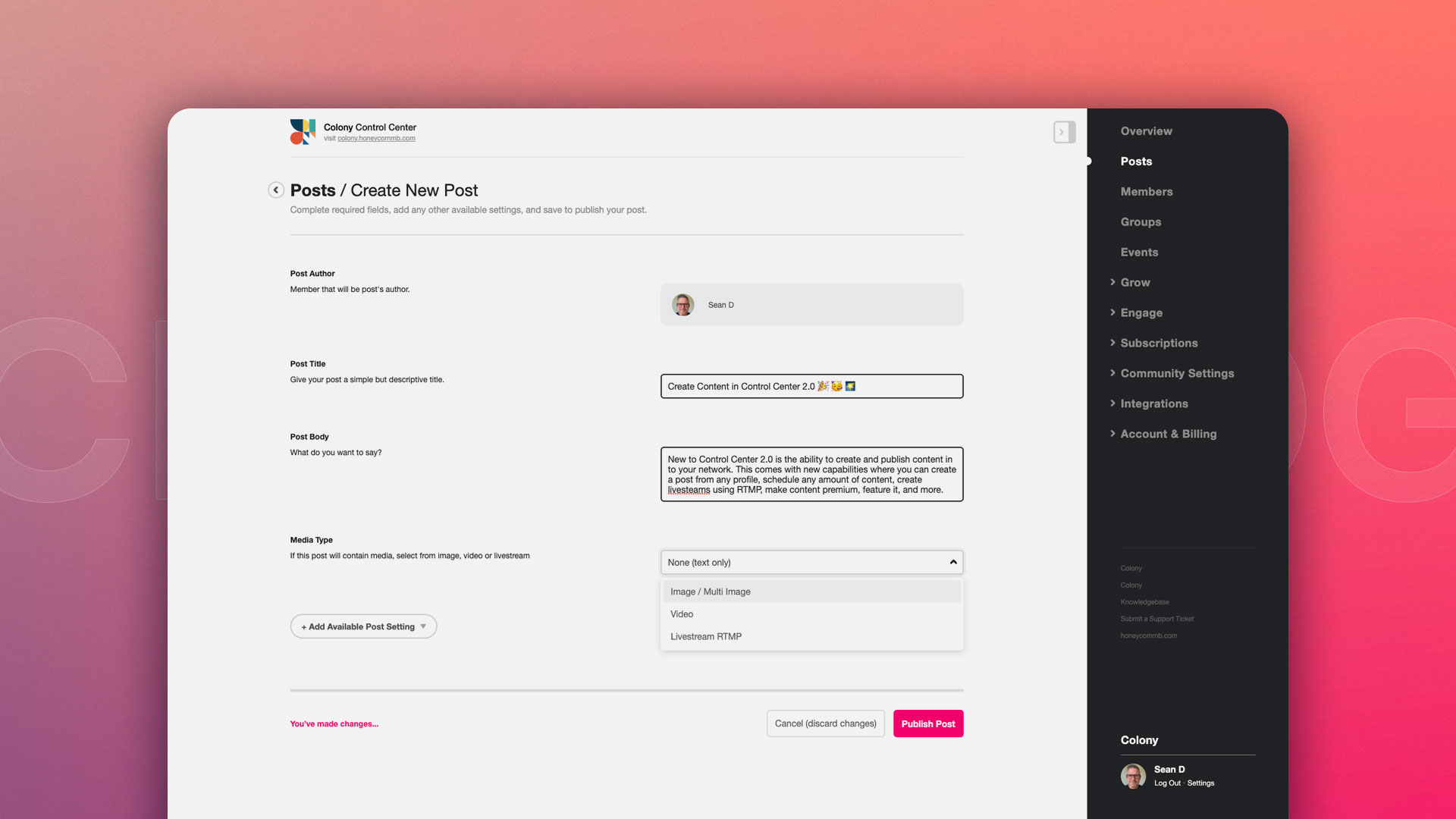
Network owners now have a new Control Center setting for deciding whether members can create posts in the main network feed. This gives communities a cleaner way to manage network-wide publishing without blocking administrators from creating content.
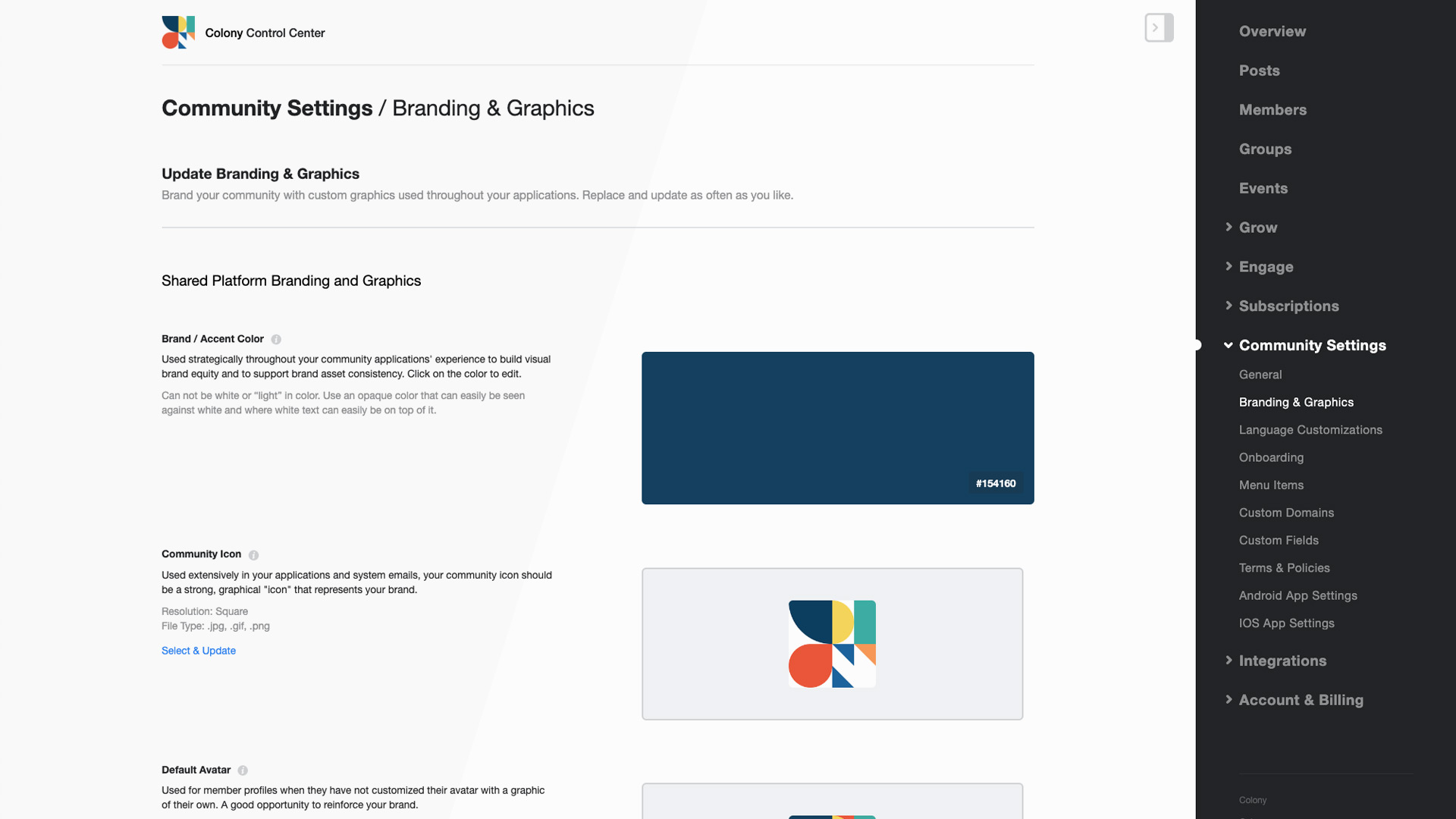
The new setting is called Network Post Creation and lives in Control Center under Community Settings, in the Feature Settings area.
What Changed
By default, the post button remains available to members. When the setting is changed to remove the post button, members will no longer see the primary create post action in the member applications.
Administrators continue to see and use the primary post button, so teams can keep publishing announcements, updates, and community content even when member posting is turned off.
Posting On
When Network Post Creation is set to show the post button, members can create posts for the main network feed as usual. This is the standard behavior for most Honeycommb networks and remains the default setting.
Posting Off
When Network Post Creation is set to remove the post button, the primary create post button is hidden from members. This is helpful for communities that want a more curated main feed, a lighter member experience, or a tighter publishing model.
Groups Keep Their Own Flow
Group post buttons are not controlled by this setting. Members who can post inside a group can continue using the group posting flow, while network-wide posting remains separately controlled.
Why It Matters
Some communities want members to participate mainly through comments, reactions, groups, events, or curated spaces instead of posting directly to the main network feed. This update gives administrators that flexibility without removing the ability for the team to publish important network content.
This feature is now available in Control Center. Open Community Settings, go to Feature Settings, and look for Network Post Creation to manage the member post button for your network.
Sincerely,
Honeycommb Product Team
Create Your Network
Honeycommb gives community leaders flexible controls for shaping the member experience, from posting permissions to groups, events, subscriptions, and more.